EN
EN BG
BG TR
TR RO
RO
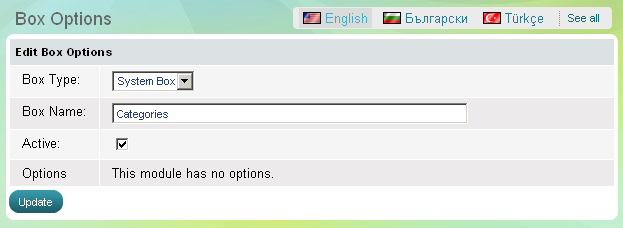
Categories box
Use 'Categories' box to show to website visitors the top categories you have in your store. The box has one parameter - to be active, which means it is visible on the website, or the opposite - to be inactive, then the whole box disappears.
If you want to create, edit and delete categories see the Categories topic. If you create a new top-level category it will be immediately listed into 'Categories' box on the website.
- Go to the Website Content menu, under 'Website Layout' click on Boxes link.
- Find 'Recently Viewed' and click on Options link at the end of the row. 'Box Options' page appears.