BG
BG TR
TR RO
RO FR
FR
Step 1 - Configure website
- Submit information about store owner.
Go to the Settings menu, under 'Store Configuration' click on Store Owner link. More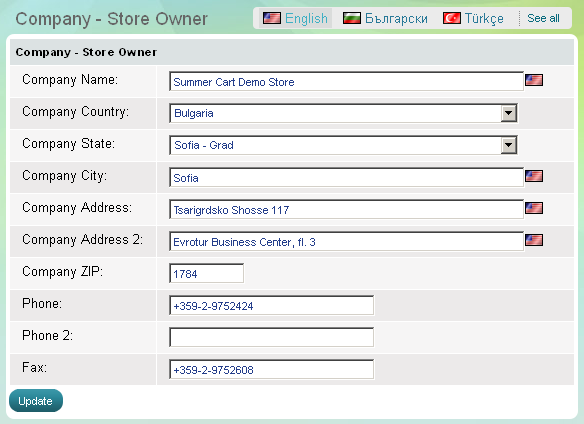
- Submit emails which the Summer Cart system will use to contact you.
Go to the Settings menu, under 'Store Configuration' click on Emails link. More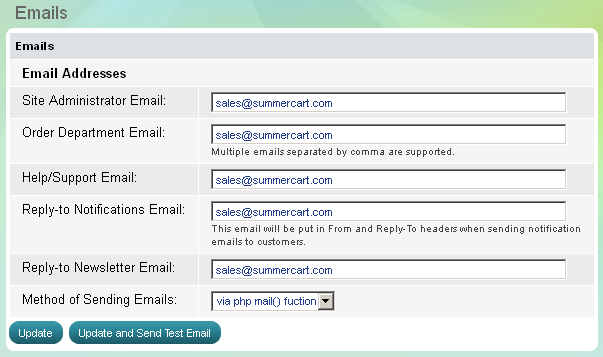
The system will contact Store owner and/or Administrators about new orders, help and support questions and website maintenance. - Enable a secure connection between your website and your clients.
Go to the Settings menu, under 'Store Configuration' click on Security link. More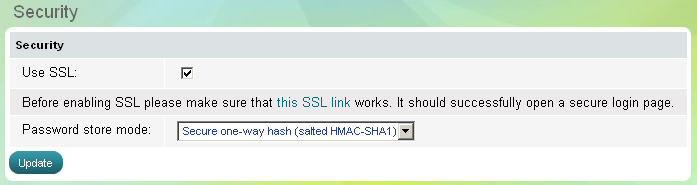
- Add website keywords and enable SE-friendly URLs .
Go to the Settings menu, under 'Store Configuration' click on SEO link. More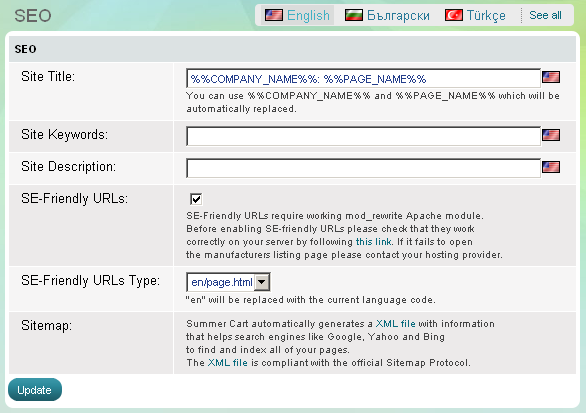
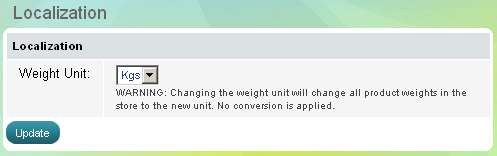
- Choose how to measure products' weight.
Go to the Settings menu, under 'Store Configuration' click on Localization link. More