EN
EN BG
BG RO
RO FR
FR
Reports
>> Open Summer Cart admin panel
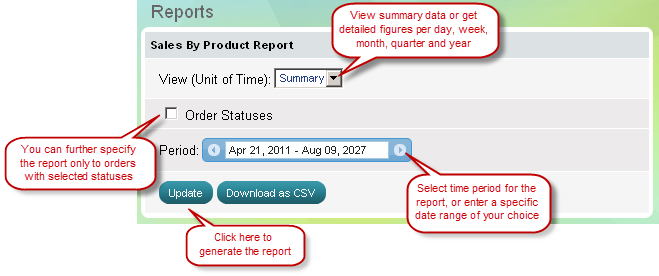
>> Go to the Reports menu, select a report you are interested in
Summer Cart generates summary reports in bar chart and table format, and detailed reports in line chart and table format.
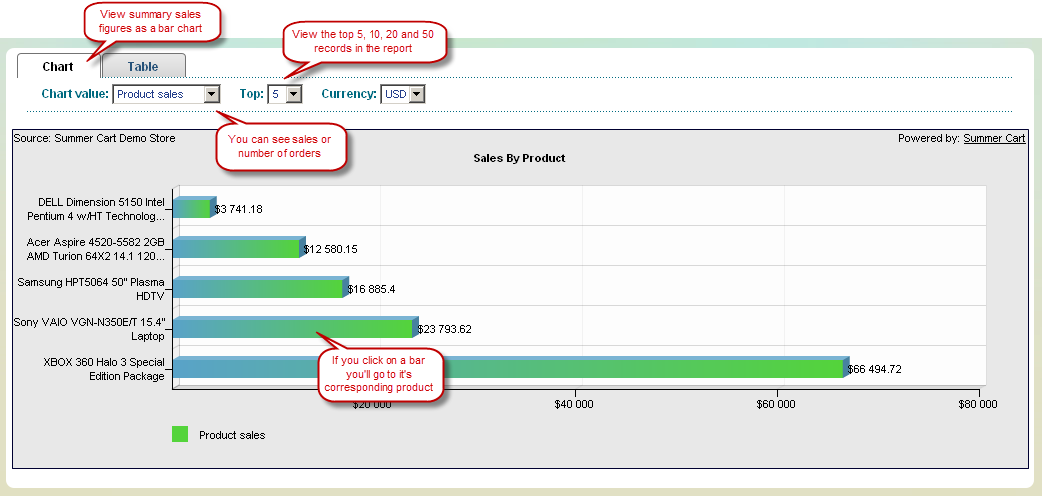
Summary Report (Bar Chart)
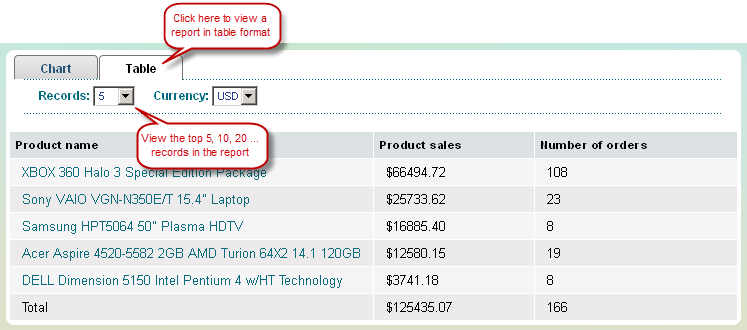
You will see a summary report whenever you select 'View (Unit of time)' to be Summary. Summary report appears as Bar Chart and in Table Format.
Summary Report (Table Format)
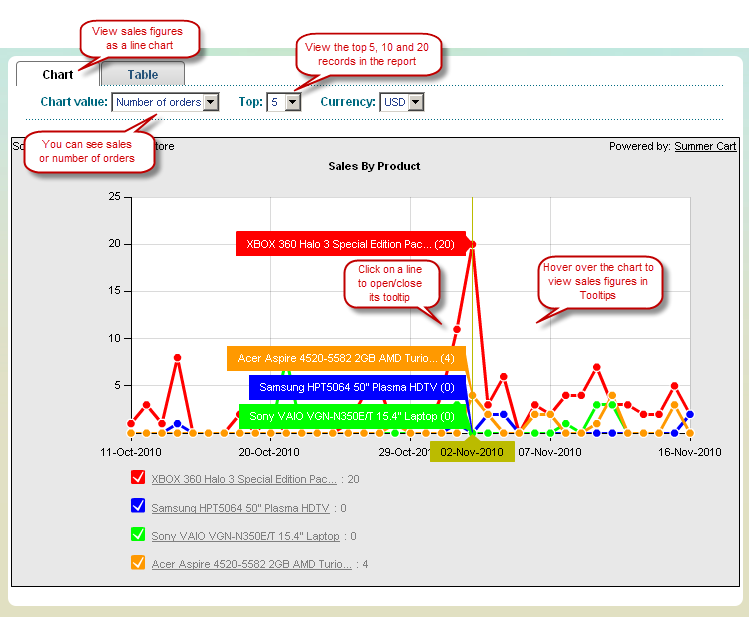
Detailed Report (Line Chart)
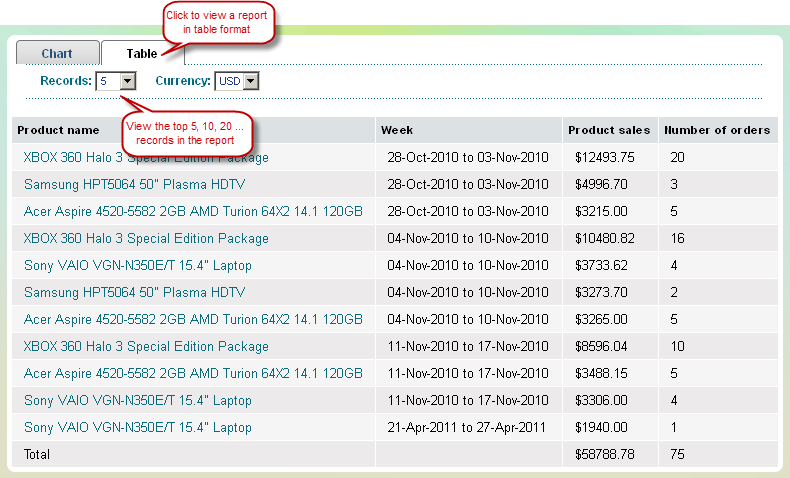
You will get a detailed report whenever you select 'View (Unit of time)' to be daily, weekly, monthly, quarterly and yearly. Detailed reports appear in Line Chart and in Table Format.
Detailed Report (Table Format)