

 EN
EN BG
BG RO
RO FR
FR
Check
>> Open Summer Cart admin panel
>> Go to Settings >> Modules >> Payment
>> Select 'Check'
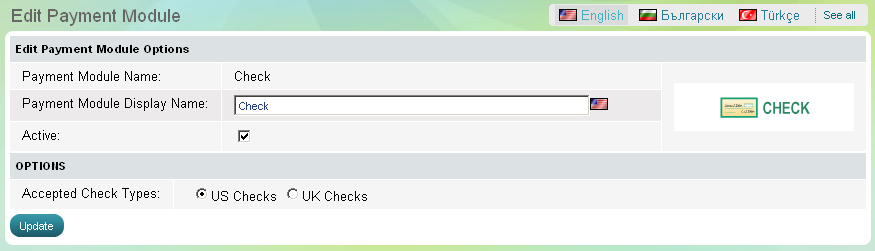
The module for check payments can be activated or paused in a click at any time. It does not have any options for further customization and setup.
In the Store Front, the check payment method requires from customers information about:
Account type |
A customer is required to choose between checking and savings account. |
ABA rooting number |
Summer Cart system performs automatic checksum validation of the rooting number on the check. |
Account number |
A customer is required to provide the account number of the check. |
Bank name |
A customer is required to provide the name of the bank that issued the check. |
Name on account |
It is required for authentication of the payment. |