

 EN
EN BG
BG RO
RO FR
FR
Add new customers
If you want to manually add new customers, you need to create a new customer account.
How to create a new customer account
- Go to the Store menu, under 'Sales' click on Customers link. 'Customers' page appears.
- Click on 'New customer' button on top of page. 'Create customer' page appears.
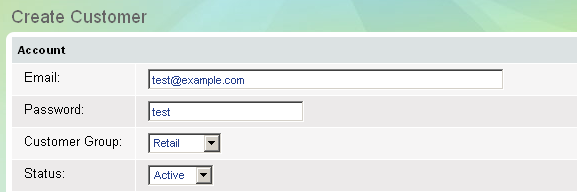
- Fill in personal information about the new customer.
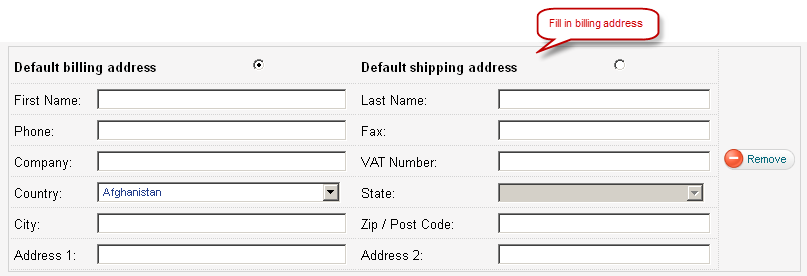
- Fill in customer's billing address
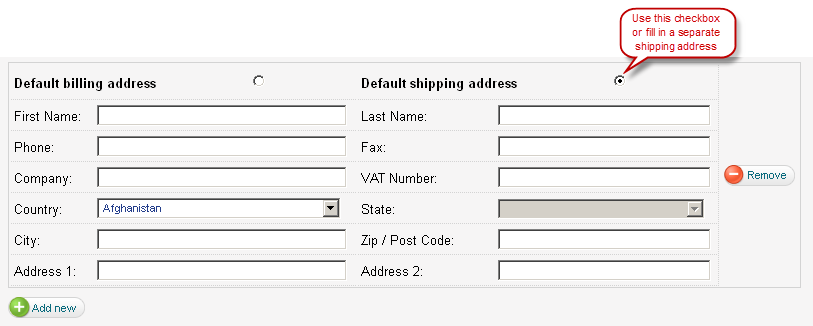
- Fill in customer's shipping address.
- Click on Save button to save the new customer account.