
 EN
EN BG
BG TR
TR FR
FR
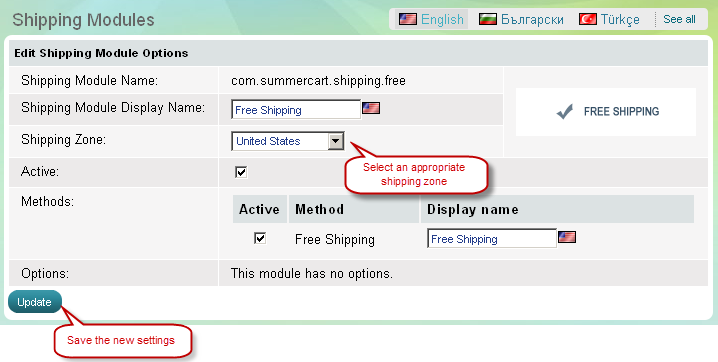
Assign a shipping zone
- Go to the Settings menu, under 'Modules' click on Shipping link. 'Shipping modules' page appears.
- Find the shipping module you want to use and click on Options link at the end of its row. 'Edit shipping module options' page appears.
| Important: |
Each shipping module, i.e. shipping method, can be linked to only one shipping zone. When a customer places an order and provides shipping address, the address will trigger a relevant shipping zone which, in turn, will trigger a relevant shipping method. |
|---|
'Shipping Modules' , Options