

 EN
EN BG
BG TR
TR RO
RO
Edit customers
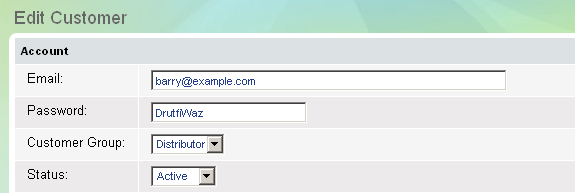
If you want to edit part or all of the information about a customer, you need to edit his/her account.
How to edit a customer account
- Go to the Store menu, under 'Sales' click on Customers link. 'Customers' page appears.
- Find a customer account and click on
 at the end of its row. 'Edit customer' page appears.
 - You can make changes in customer's personal information.
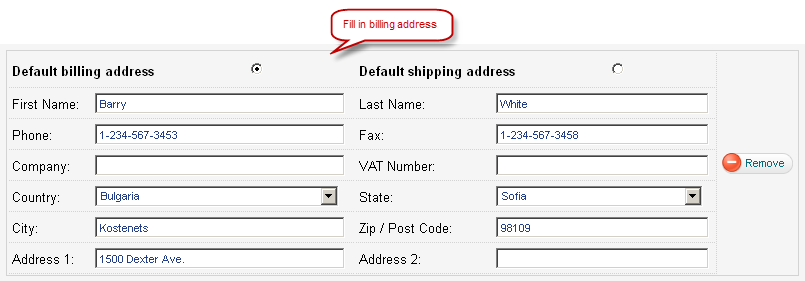
- You can update billing address.
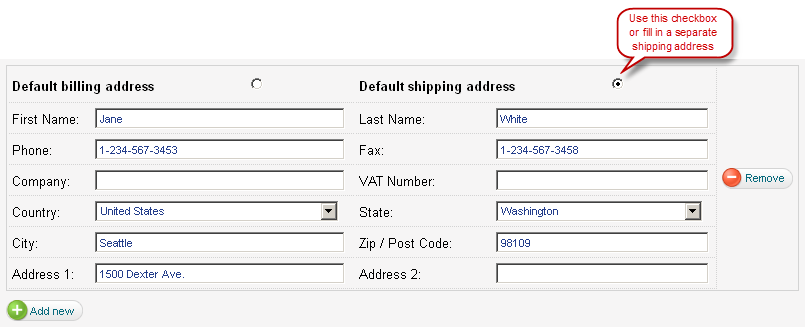
- You can update shipping address.
- Click on Update button to save changes.