EN
EN BG
BG TR
TR RO
RO
Delete discounts
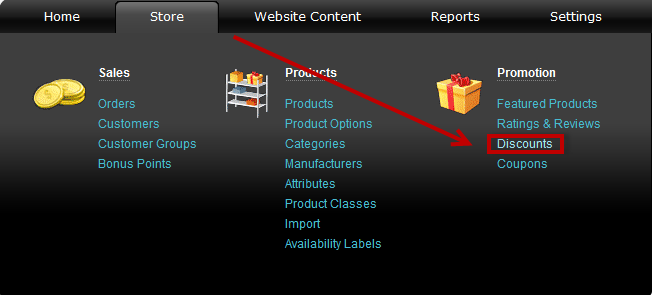
Go to the Store menu, under 'Promotion' click on Discounts link.
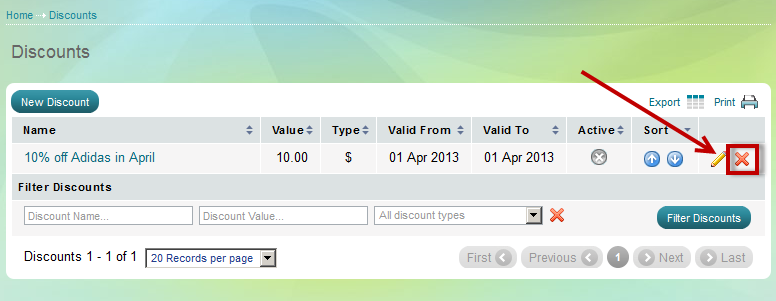
'Discounts' page appears. Find the discount you wish to delete using Filter options and click on  at the end of its row. Confirm you wish to delete that discount in a pop-up window.
or you could disable the discount. There are two ways you can do this:
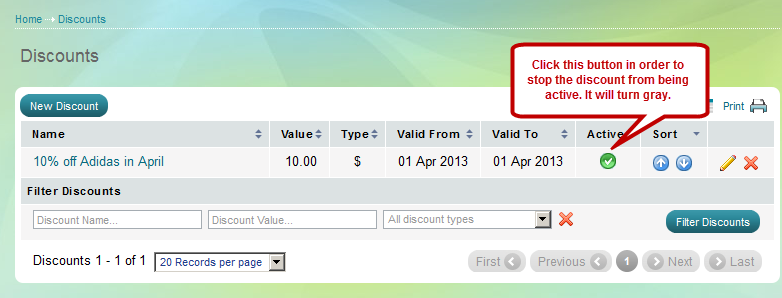
You could also open the "Edit discount page":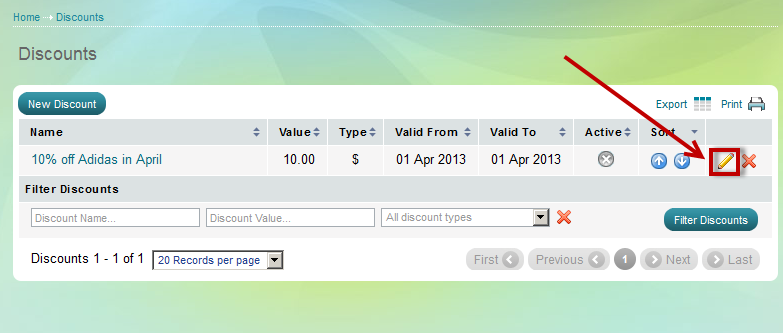
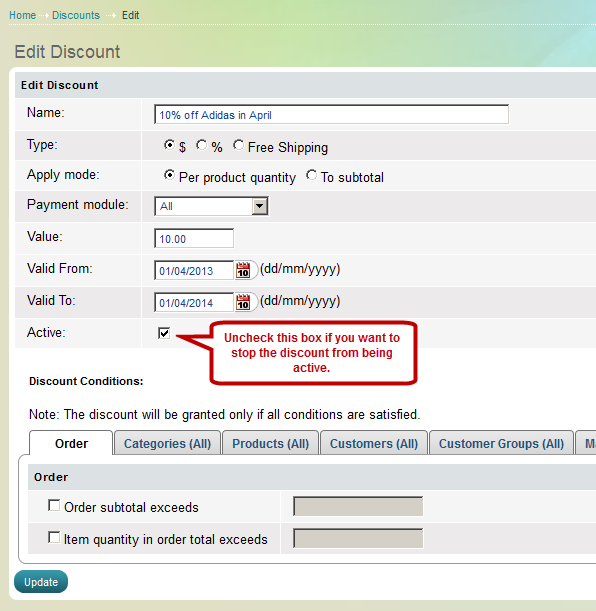
and disable the discount from there: