BG
BG TR
TR RO
RO FR
FR
Customize default layout
Default layout applies to the whole website. Only if you use custom layouts on some pages the Default layout will not apply to these pages, but will apply to the rest of the website.
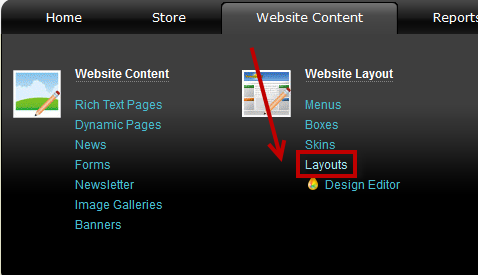
- Go to the Website Content menu, under 'Website Layout' click on Layouts link.
- Select a layout from the list and click on
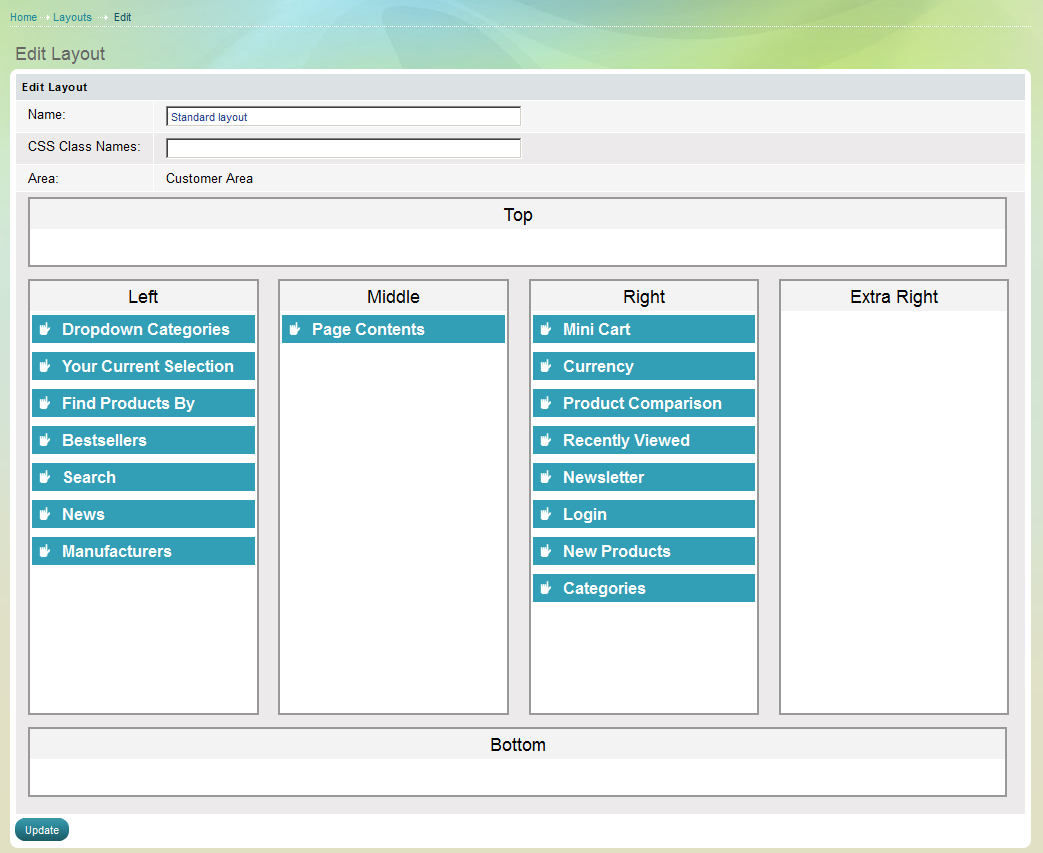
 at the end of its row. 'Edit layout' page appears.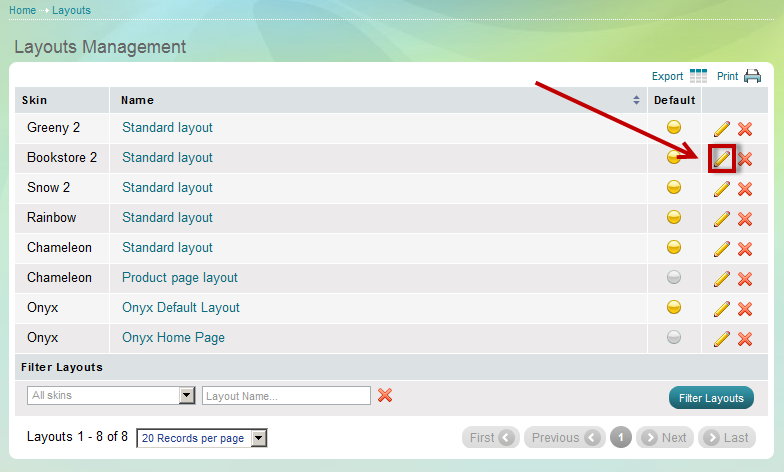
Now the layout you have created via the Design Editor appears in front of you