
 BG
BG TR
TR RO
RO FR
FR
Search box
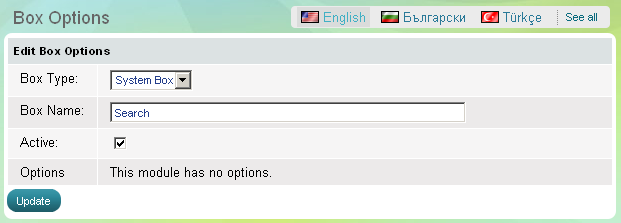
Use 'Search' box to enable website visitors to search through the contents of your website and easily find products and information they are looking for. The 'Search' box also includes a link to 'Advanced search' page. The box has one parameter - to be active, which means it is visible on the website, or the opposite - to be inactive, then the whole box disappears.
- Go to the Website Content menu, under 'Website Layout' click on Boxes link.
- Find 'Recently Viewed' and click on Options link at the end of the row. 'Box Options' page appears.